

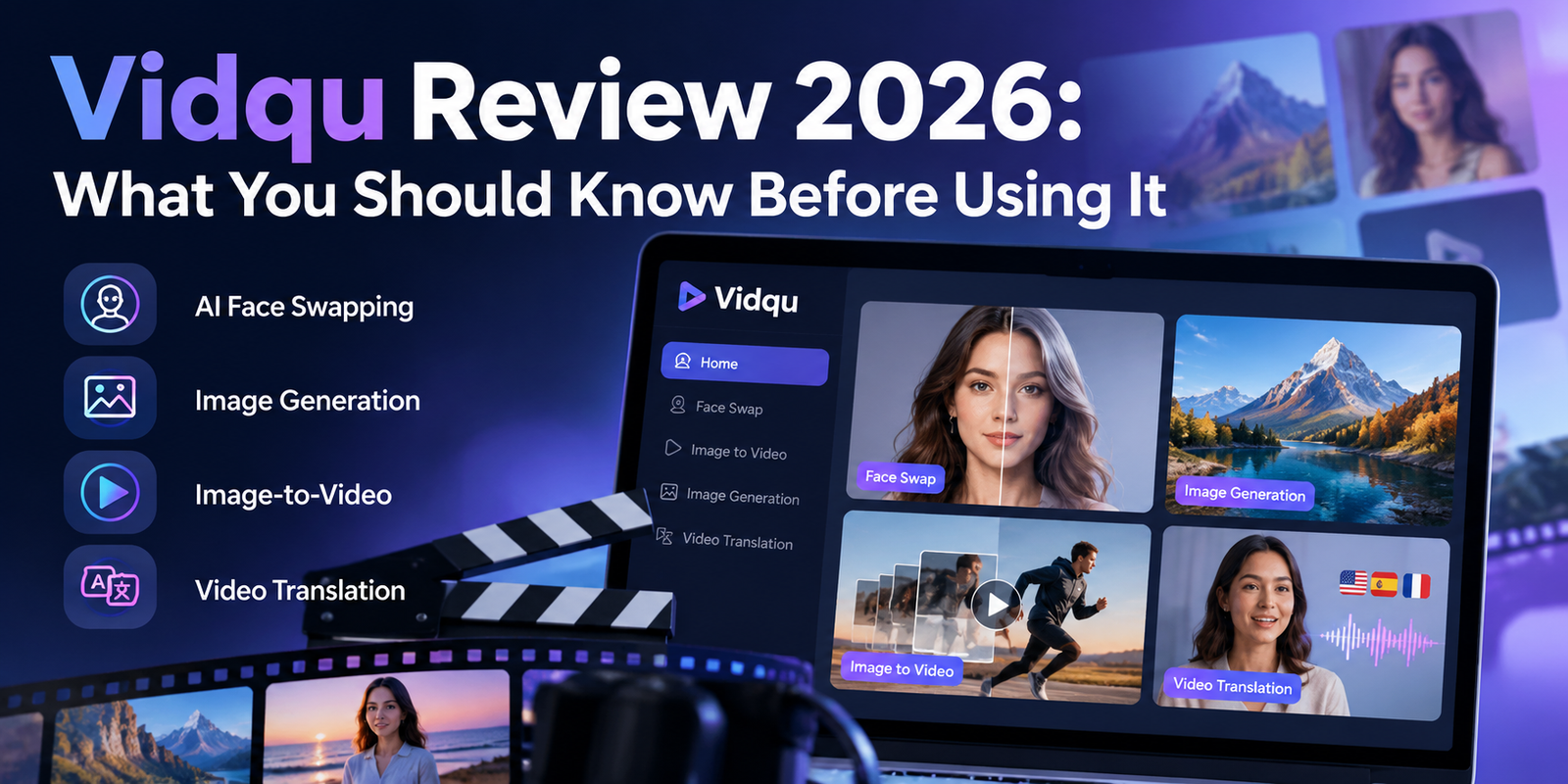
Vidqu Review 2026: What You Should Know Before Using It

Vidqu is an online AI platform designed for people who want to experiment with digital images, videos, and other AI-powered creative tools. Its appeal lies in bringing several types of media-related functions together, including face swapping, image generation, image animation, and video translation. But choosing an AI platform involves more than looking at its list of features. You also need to understand the quality of its results, the restrictions attached to free access, and what happens to the files you upload.
This Vidqu review examines the platform from a practical perspective. Rather than treating every advertised capability as a guarantee, it looks at what these tools can help you accomplish, where their limitations become important, and which details deserve attention before you subscribe. Whether you are a content creator, marketer, student, or curious beginner, this guide will help you decide whether Vidqu fits your needs.
What Does Vidqu Actually Offer?
Vidqu is more than a basic face-swapping website. Its platform brings several creative functions together, allowing users to choose a tool based on the type of result they want.
AI Face Swapping
Face-swapping tools replace a face in an image or video with another face. The challenge is maintaining believable lighting, facial proportions, expressions, and movement.
For example, a video creator might use a consenting participant’s photograph to create a fictional character effect. The result should be reviewed carefully because facial distortions can become more noticeable when the person turns their head or changes expression.
Image-to-Video Generation
Vidqu offers image animation tools that turn still images into moving clips. These can help creators develop visual material for presentations, short videos, or creative projects.
The quality depends on how the system interprets the image and generates motion. Fine details may change, and movement can look unnatural. This makes the feature useful for experimentation, although it may not replace professional animation for demanding projects.
AI Image Generation
An image generator creates visual content from a prompt or other supported input. A marketer, for instance, could explore different concepts for a campaign before commissioning a final design.
Generated images should be treated as drafts until they have been checked. Text, product details, proportions, and background elements can contain errors that are difficult to spot in a small preview.
Video Translation
Vidqu also offers an AI video translation tool. Depending on the available workflow, this technology can help creators adapt videos for audiences who speak different languages.
Automated translation can miss cultural context or technical terms, so important content still needs human review. Before starting a project, check the available languages, processing limits, and lip-sync options.
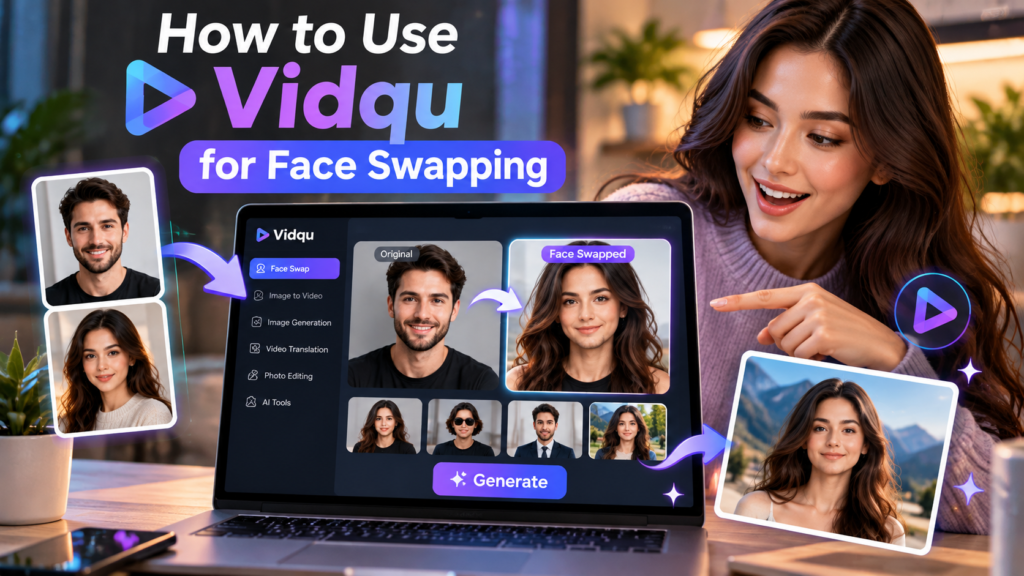
How to Use Vidqu for Face Swapping
Getting started with the face-swapping feature on vidqu is straightforward, but achieving a clean result requires following a few basic steps. First, navigate to the face swap tool on the dashboard and select your target media file. You can upload either a photograph or a short video clip depending on your project goals.
Next, upload the source image containing the face you want to apply. Ensure that both the target face and the source face are clearly visible, well-lit, and facing forward for the best results. Click the generate button to process the transformation. Once the system finishes processing, review the output carefully for any flickering or unnatural blending around the edges before downloading your final file.
Is Vidqu Free, and How Does Its Pricing Work?
Vidqu uses a credit-based system for some of its AI tools. Free access may be available for selected features, while paid options can provide additional credits or capabilities.
The key question is not simply whether Vidqu is free. It is how much useful work you can complete before needing to pay.
Consider three factors before choosing a plan:
- Credits per task: Different operations can consume different amounts of credits. Video processing, for example, may cost more than generating a single image.
- Export restrictions: Check whether the plan includes watermarked or watermark-free downloads, the resolution you need, and supported file sizes.
- Subscription conditions: Read the renewal, cancellation, and refund terms before entering payment information.
Pricing can change, and promotional discounts may be temporary. Confirm the final amount displayed at checkout rather than relying on an old advertised price.
One useful approach is to test a small project first, calculate its actual credit consumption, and estimate your monthly needs. This is more reliable than buying a large package based only on the advertised number of features.
Vidqu Pricing Tiers and Credit Limits
Understanding how the platform allocates its resources requires looking closely at the vidqu credit system. Free accounts typically receive a limited allotment of daily or signup credits, which are quickly consumed by resource-heavy tasks like video generation or high-resolution face swapping. Free exports often include a watermark, making them less suitable for professional publication.
Paid subscription tiers generally scale based on monthly credit allowances, faster processing queues, and watermark-free downloads with commercial use rights. For instance, basic monthly plans provide enough credits for light hobbyist use, while higher-tier plans cater to marketers and content creators who need robust video processing capabilities. Always verify current pricing directly on the official site before purchasing a plan, as credit costs per operation can occasionally change.
Vidqu Privacy: What Happens to Your Uploaded Files?
Privacy deserves particular attention when using AI image and video platforms. A photograph may contain someone’s face, while a video can reveal their voice, location, workplace, or other identifying details.
Vidqu’s published terms address content ownership and give the platform certain rights to handle uploaded and generated content for purposes connected with operating, improving, promoting, and providing its services. The terms also describe sharing with service providers and disclosure for legal obligations.
That language is worth understanding before uploading personal or commercial material.
Before using the platform:
- Read the current privacy policy and terms of service.
- Avoid uploading confidential company footage or sensitive personal images.
- Obtain permission before processing another person’s likeness.
- Check whether deletion options cover both uploaded files and generated results.
- Review the terms for any changes to content handling before subscribing.
A platform’s statement that users retain ownership does not automatically mean that uploaded content is never stored, processed, or shared with service providers.
For business use, establish a clear policy about which files employees may upload to third-party AI tools. If the material is confidential or subject to contractual restrictions, use a service that meets your organization’s privacy and security requirements.
Vidqu’s Main Strengths and Weaknesses
A balanced review should distinguish between the convenience of a platform and the quality of its individual outputs.
| Area | Potential strength | Important limitation |
|---|---|---|
| Convenience | Multiple creative tools in one platform | Each tool may have separate restrictions |
| Image generation | Useful for exploring visual ideas | Results can contain visual errors |
| Face swapping | Supports creative visual effects | Realism may vary across images and video frames |
| Video translation | Can assist with multilingual content | Translation and lip synchronization require review |
| Pricing | Credits provide different levels of usage | Frequent processing can consume credits quickly |
| Privacy | Published terms explain content ownership and usage rights | Users must understand the license granted over uploaded content |
The strongest reason to consider Vidqu is the ability to experiment with several types of AI media transformation through one service. Its main drawbacks to investigate are output consistency, the true cost of repeated use, and the conditions governing uploaded content.
Whether those trade-offs are acceptable depends on your workload. Someone creating occasional social media effects may have different requirements from a business producing commercial videos every week.
Vidqu vs. Traditional Editing Software
AI media platforms and traditional editors solve overlapping but different problems.
A traditional editor gives users detailed control over cuts, transitions, audio levels, color correction, and timing. An AI tool can automate a specific transformation, such as generating an image or modifying a face, but may offer less control over the underlying process.
For example, a creator preparing a product advertisement could use an AI tool to explore visual concepts and then use a video editor to assemble the final advertisement. This combined workflow can be more practical than expecting one application to handle every stage.
Choose a specialized AI tool when automation is the main requirement. Choose a conventional editor when precision, repeatability, and detailed manual control matter most.
When comparing services, evaluate the final output rather than the number of features advertised. A smaller tool that produces consistent results for your exact task may be more valuable than a larger platform you rarely use.
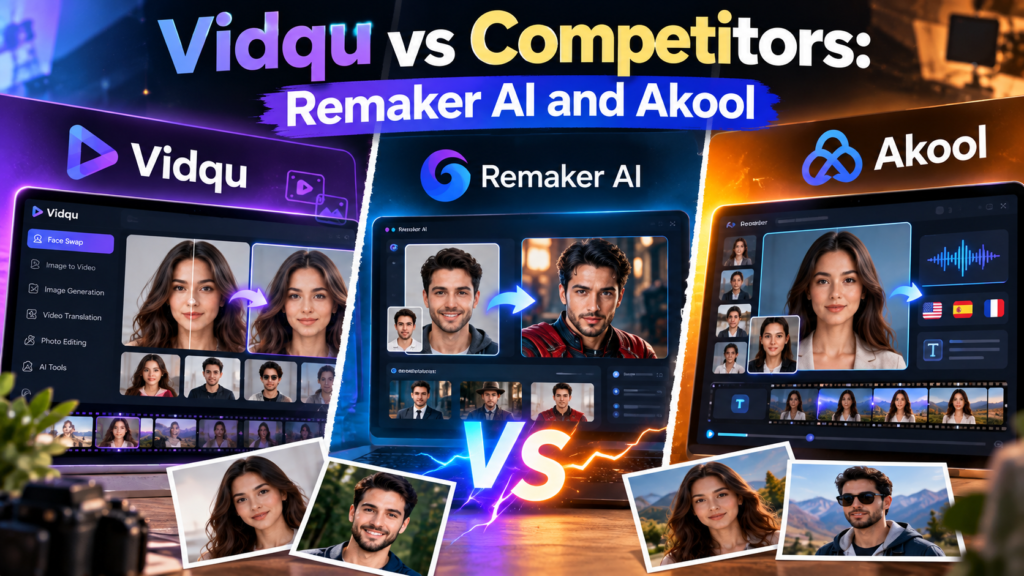
Vidqu vs Competitors: Remaker AI and Akool
When evaluating vidqu against alternatives like Remaker AI and Akool, several distinctions emerge regarding speed, pricing, and output quality. Remaker AI is widely known for quick, web-based face swapping with minimal friction, whereas Akool focuses heavily on enterprise-grade video translation, live streaming solutions, and advanced API integrations for developers.
Vidqu occupies a middle ground by offering a bundle of multiple creative tools: including image animation and video translation within a single user-friendly interface. If your primary need is simple face replacement, dedicated tools might offer comparable results with different credit structures. However, if you want a diverse toolkit for experimental multimedia projects, vidqu provides a convenient all-in-one ecosystem worth comparing against competitors like Nectar AI for specialized content needs.
Who Should Consider Vidqu?
Vidqu may be suitable for:
- Content creators who want to experiment with AI-generated images, animation, or face-swapping effects.
- Social media marketers who need creative concepts for short-form content.
- Video publishers who want to explore automated translation workflows.
- Beginners who prefer an online interface over installing specialized creative software.
- Hobbyists who want to test AI media tools without building a complicated editing workflow.
It may be less suitable for users who require guaranteed photorealistic output, precise frame-by-frame editing, strict control over sensitive data, or predictable costs for large production workloads.
Professional users should also consider whether the service supports their required export formats, resolution, turnaround time, and licensing needs. These practical details can matter more than the feature list.
How to Decide Whether Vidqu Is Worth Using
Before committing to a paid plan, run a small test based on your actual needs.
Step 1: Choose one specific task. Decide whether you need face swapping, image generation, animation, or translation. Avoid evaluating the entire platform through a feature you will rarely use.
Step 2: Prepare suitable source material. Use clear images or short, representative video clips that you have permission to process.
Step 3: Evaluate the result. Check realism, consistency, resolution, processing time, and whether manual correction is required.
Step 4: Calculate the real cost. Include the credits used for unsuccessful attempts, not just the successful final output.
Step 5: Review the terms. Confirm privacy conditions, commercial-use permissions, cancellation procedures, and the final price.
This process gives you a practical basis for deciding whether Vidqu offers enough value for your work. It also prevents you from paying for features that look appealing but do not solve your actual problem.
Frequently Asked Questions
Is Vidqu worth trying in 2026?
It may be worth testing if you need its specialized image or video tools. Evaluate current output quality, usage costs, and privacy terms before subscribing.
Does Vidqu require technical skills?
Its online tools are designed around user-facing workflows, so many basic tasks can be attempted without programming. Producing polished results may still require creative judgment and editing.
Can Vidqu create realistic AI videos?
It offers video-related AI features, but realism depends on the tool, source material, and complexity of the scene. Inspect the complete output before publishing it.
Does Vidqu charge for every operation?
Some tools use credits, and the amount can vary by task. Check the current pricing information to understand how your intended workflow will be charged.
Can Vidqu be used for business?
Potentially, depending on the task and applicable terms. Review commercial-use permissions, privacy requirements, and the rights associated with your source material.
Should I upload private photographs to Vidqu?
Avoid uploading sensitive images unless you have reviewed the current privacy policy and understand how the platform may process and store your content.
Conclusion
Vidqu is worth evaluating as a specialized AI media platform, particularly if your work involves image generation, face swapping, image animation, or video translation. Its range of tools offers creative flexibility, but the number of available features alone does not establish whether the service is right for you.
The more useful question is whether Vidqu can complete your specific task at an acceptable level of quality, cost, and privacy. Test a representative project, review the resulting files carefully, and calculate the credits required for repeated use. Read the current terms before uploading sensitive material or purchasing a subscription, since pricing and service conditions can change.
For occasional creative experiments, Vidqu may be a convenient option. For professional production, treat it as one part of a broader workflow and keep human review, rights management, and quality control at the center of your decisions.
[…] Switzerland Data Protection Law Compared to GDPR for AI Companies Vidqu Review 2026: What You Should Know Before Using It DreamJourney AI: Features, Uses, Pricing, and Limitations Gatik: How AI-Powered Driverless […]