

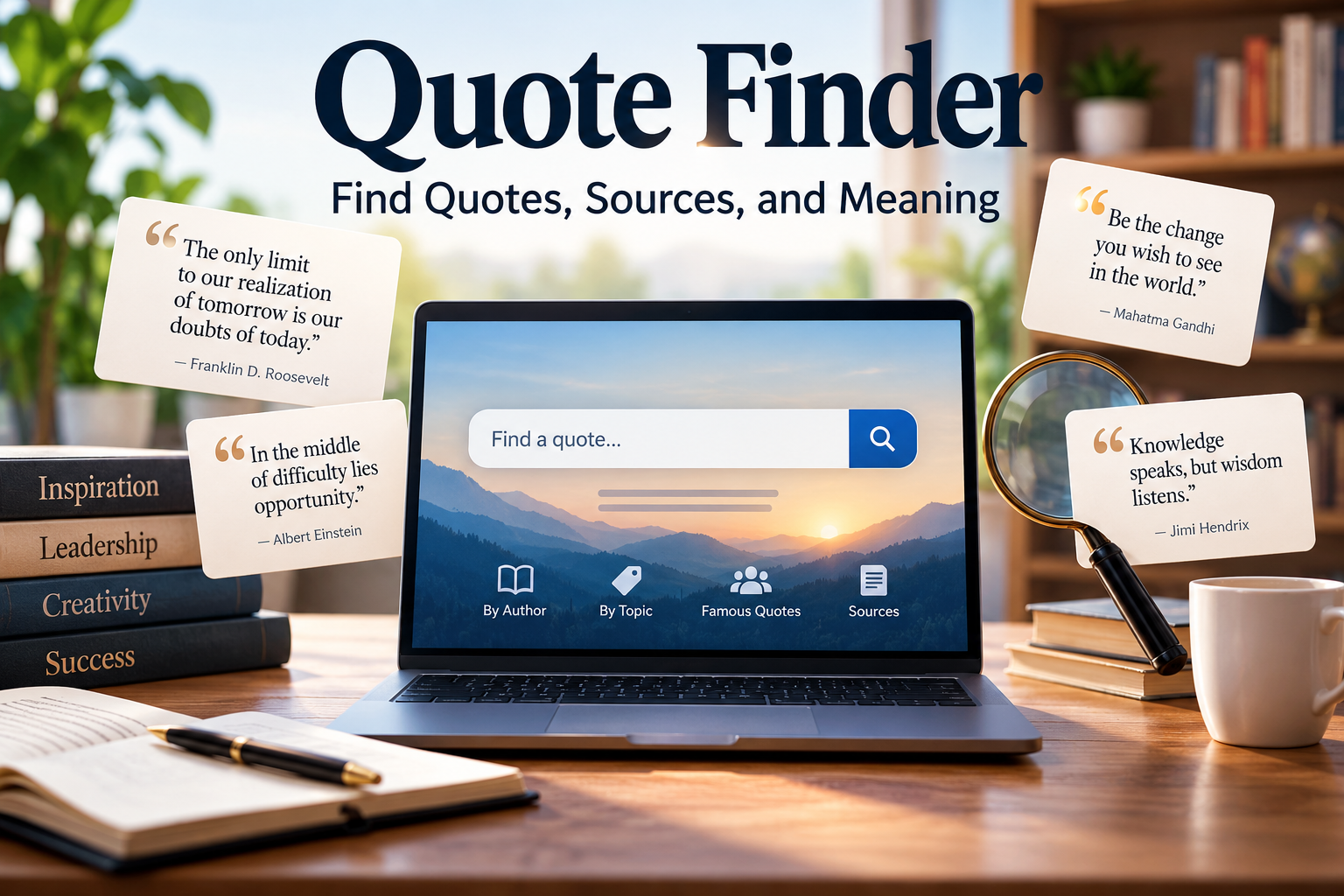
Quote Finder: Find Quotes, Sources, and Meaning

A quote finder is a specialized digital tool or search platform designed to help writers, researchers, and content creators discover memorable words, locate exact quotations from books or speeches, and identify original sources. A quote finder helps you discover memorable words, locate quotations from books and speeches, and identify the people who originally said them. Whether you are writing a blog post, preparing a presentation, creating a social media caption, or researching a famous statement, the right tool can save time and help you find a quotation that fits your purpose.
Quote finders range from simple websites with searchable collections to advanced search engines and AI-powered assistants that interpret natural-language questions. Some are designed to inspire you, while others help identify a quotation when you remember only a few words. However, finding a quote is not the same as verifying it. Popular quotations are often misattributed, shortened, or shared without their original context.
This guide explains how quote finders work, which tools are useful for different tasks, how AI changes quotation searches, and how to check a quote before publishing it.
What Is a Quote Finder?
A quote finder is a tool or search method that helps people locate quotations based on keywords, phrases, authors, subjects, or remembered fragments. Instead of browsing hundreds of books or websites manually, you can search for a specific expression or explore quotations related to a particular idea.
For example, a student writing about perseverance might search for quotes about overcoming challenges. A journalist might search for the original source of a statement attributed to a politician. A content creator might look for a short quotation about creativity to accompany a social media post.
Most quote finders fall into three categories:
- Quote databases: Collections of quotations organized by author, topic, or keyword.
- Search engines: Tools that locate quotations across websites, books, transcripts, and other indexed material.
- AI-powered quote finders: Assistants that interpret descriptions, suggest relevant quotations, or help investigate possible sources.
Each approach serves a different purpose. A quotation database is convenient for browsing, a search engine is useful for locating sources, and AI can help when you remember the meaning but not the exact wording.
Best Quote Finder Tools to Try
The best quote finder depends on what you want to accomplish. If you need an inspirational line for a caption, a general quote collection may be enough. If you are writing an academic paper or publishing a factual article, prioritize tools that help you trace the quotation to its original source.
1. Quote Investigator
Quote Investigator is a research resource focused on the origins of quotations. It examines historical publications and earlier versions of sayings to investigate disputed attributions.
It is a useful starting point for writers checking quotations commonly attributed to famous authors, politicians, scientists, and public figures. However, a particular quote may not have been investigated, and the earliest located example is not always the original source.
2. Wikiquote
Wikiquote is a collaborative quotation reference that organizes material by author, subject, and source. It can help you locate quotations from writers, historical figures, films, and books.
Look for citations accompanying individual quotations rather than relying on an author’s name alone. Because entries are collaboratively maintained, the quality and completeness of sourcing can vary.
3. Goodreads Quotes
Goodreads provides quotation collections associated with books and authors. It is particularly convenient when browsing literary quotations or looking for a passage that captures a particular mood.
However, a quotation appearing on a book-related page does not establish that the named person actually said it. For publication, verify the wording against the original book or another reliable record.
4. Search Engines and Digital Books
Search engines are useful when you remember part of a quotation but not its author. Search the phrase in quotation marks, then try shorter fragments or distinctive words if the exact wording produces few results.
Digital book collections can also help you investigate quotations in published works. Search results, publication dates, and scanned pages may reveal earlier appearances that ordinary quote websites overlook. Access to full text can vary by book and copyright status.
5. Library and Historical Research Resources
National libraries and historical research collections can help readers investigate quotations through reference books, archives, original publications, and historical documents.
These resources are particularly helpful when the origin of a statement matters more than finding a quick caption. They can also help distinguish between a genuine quotation, a later paraphrase, and a statement incorrectly attributed to a famous person.
How Does a Quote Finder Work?
A quote finder may rely on a searchable database, an internet search index, or an AI model. Although these systems can produce similar-looking results, they do not all find information in the same way.
Traditional Quotation Search
A conventional quote database stores quotations alongside available details, such as an author’s name, topic, book title, or category. When you enter a search term, the system retrieves entries that match your query.
For instance, searching for “courage” might return quotations about bravery, difficult decisions, or persistence. The result depends on the database’s collection and how its entries are indexed.
AI-Powered Quote Search
An AI-powered quote finder can interpret a question written in everyday language. You might ask, “Find a short quotation about staying hopeful during difficult times,” without knowing the exact words you want.
A language model can identify the intended theme and suggest relevant wording. Some systems can also use web search or retrieval-augmented generation (RAG) to find information in external documents and produce answers grounded in those sources.
However, these capabilities are not universal. A chatbot working without live search or a verified quotation database may generate a plausible-sounding sentence and incorrectly attribute it to a famous person. AI-generated text is not evidence that a quotation exists.
Why Search Results Differ
Two tools may return different results because their collections, indexes, ranking methods, and search capabilities differ. A database may contain thousands of quotations but little historical context, while a historical archive may offer fewer convenient results but stronger evidence of a quotation’s origin.
For accurate research, use discovery tools to locate candidates and source documents to verify them.
How to Find a Quote When You Remember Only a Few Words
You do not need to remember an entire sentence to begin a quotation search. A few distinctive words can be enough, provided you search strategically.
- Search the exact phrase. Put the words you remember in quotation marks. This can help locate pages containing the same sequence.
- Try shorter fragments. If the full sentence produces no useful result, search for three or four distinctive words instead.
- Add a likely author or topic. Terms such as a writer’s surname, a book title, or the subject of a speech can narrow the results.
- Check alternative wording. Quotes are often paraphrased, translated, or reproduced with small changes. Search a few reasonable variations.
- Find the earliest credible source. Once you identify a likely match, look for the original publication, transcript, recording, or manuscript.
For example, suppose you remember a sentence about courage but cannot recall the author. Searching only for “courage” will produce too many unrelated results. A distinctive fragment combined with “book,” “speech,” or a suspected author’s name gives you a more focused starting point.
If the quotation is important to a news article, academic assignment, or published essay, record the source details while researching. This reduces the chance of having to repeat the search later.
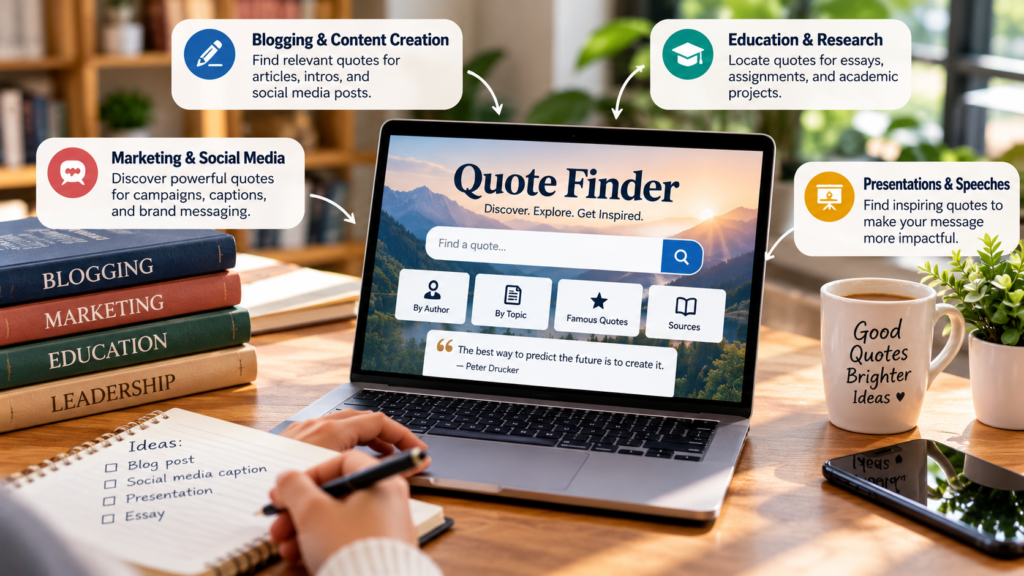
Practical Uses of a Quote Finder
Quotation searches are useful for more than collecting inspirational sayings. The best approach depends on the type of content you are creating and how accurately the quotation needs to be documented.
Blogging and Content Creation
Bloggers can use a quote finder to discover relevant material for introductions, opinion pieces, and social media posts. A quotation about innovation might support an article about technology, while a line about persistence could complement a personal development post.
The important point is relevance. A famous quotation should strengthen the article’s message rather than simply make the page look more authoritative. Always confirm the wording and attribution before publication.
Education and Academic Research
Students can use quotation searches to locate passages from novels, historical speeches, essays, and scholarly works. Once the original passage is found, they can record the page number, edition, publication details, or transcript information required by their citation style.
A quotation website can help identify a passage, but it should not replace the primary source when that source is available. This is especially important when analyzing an author’s argument or interpreting a statement in its original context.
Marketing and Social Media
Marketers often need short, memorable lines for campaign graphics, newsletters, presentations, and captions. A quote finder can help identify language related to creativity, teamwork, leadership, or customer experience.
Before using a quotation commercially, check whether the proposed use raises copyright or trademark concerns. Short quotations may receive different legal treatment depending on the jurisdiction and circumstances. Attribution alone does not automatically make every use lawful.
How to Verify a Quote Before Publishing It
Finding a quotation and establishing its authenticity are two different tasks. A reliable research process should distinguish between a quotation that appears frequently online and one supported by credible historical evidence.
Use this checklist before publishing a quotation:
- Locate the original source: Look for the actual book, letter, speech transcript, interview, or recording.
- Check the exact wording: Confirm that the words have not been changed in a way that affects their meaning.
- Verify the attribution: Make sure the source supports the named author rather than merely repeating an attribution found elsewhere.
- Read the surrounding context: A sentence taken from a longer passage may communicate a different meaning when isolated.
- Record the citation: Save the title, author, date, page number, and source location where available.
- Acknowledge uncertainty: If the origin remains unclear, label the quotation as disputed, unattributed, or unverified rather than presenting a guess as fact.
For historical quotations, specialist research can help trace how wording and attribution changed over time. The earliest documented appearance and the actual origin are not always the same thing.
Can AI Find Quotes More Effectively?
AI can make quotation searches easier, especially when a user remembers an idea rather than the exact words. It can interpret natural-language prompts, suggest search terms, summarize source material, and help compare similar statements.
However, its effectiveness depends on how the system accesses information.
| Capability | What it can help with | Important limitation |
|---|---|---|
| Natural-language search | Find quotations matching a theme | Relevant results may not be authentic quotations |
| Semantic search | Locate passages with similar meaning | Similar meaning does not establish exact wording |
| Web-enabled AI | Identify possible sources and supporting pages | Search results still require verification |
| Document-based AI | Search quotations within supplied books or files | Missing or unreadable documents limit coverage |
| Citation assistance | Organize source details and draft references | Generated citations can contain errors |
One technical distinction matters here. Large language models generate responses using learned patterns, while retrieval-based systems can consult external documents during a search. Retrieval can improve grounding, but it does not guarantee that a source is authoritative or that a quotation has been interpreted correctly.
For example, a researcher could ask an AI assistant to find the origin of a quotation, identify the earliest source it can locate, and provide evidence supporting the attribution. The researcher should then open that source and confirm the claim independently.
AI is therefore best treated as a research assistant, not the final authority on historical quotations.
Common Mistakes to Avoid When Using a Quote Finder
Several mistakes can turn a useful search into unreliable content.
- Trusting popularity: A quotation repeated on hundreds of websites may still be incorrectly attributed.
- Confusing paraphrases with quotations: A summary of someone’s viewpoint should not be placed in quotation marks as if it were their exact wording.
- Ignoring translations: An English version of a statement originally delivered in another language may be a translation rather than the speaker’s exact words.
- Accepting invented citations: AI tools may supply publication details that appear credible but cannot be confirmed.
- Ignoring context: A sentence can become misleading when separated from the argument or circumstances in which it appeared.
- Overusing famous quotations: Too many quotations can weaken original writing and make an article feel generic.
The most effective habit is straightforward: use a quote finder to discover a possible quotation, then use reliable evidence to decide whether it belongs in your work.
How to Choose the Right Quote Finder
The right choice depends on your goal, your available time, and the level of accuracy required.
- For quick inspiration: Use a quotation collection to explore themes, authors, and literary material.
- For finding a forgotten quotation: Start with an exact-phrase search, then try distinctive fragments and alternative wording.
- For academic or professional writing: Search the original book, transcript, archive, or publication and retain the source details.
- For checking a disputed attribution: Consult historical research resources and evaluate the underlying evidence.
There is no single quote finder that is best for every task. A convenient database may be ideal for a caption, while a historical archive is more appropriate for a quotation that will appear in a research paper or news report.
Frequently Asked Questions
What is the best free quote finder?
Search engines, collaborative quotation collections, and specialist quotation research resources are useful starting points. Choose based on whether you need inspiration, a specific passage, or evidence of a quotation’s origin.
Can I find a quote if I remember only a few words?
Yes. Search the exact fragment first, then try shorter phrases and relevant keywords. Adding a possible author or source can improve the results.
Can AI identify the author of a quote?
AI can suggest possible authors and sources, but it can also produce incorrect attributions. Confirm the result using an original publication or another credible source.
How do I check whether a quote is real?
Find the original book, speech, letter, interview, or recording. Compare the wording and verify that the source supports the attribution.
Are quote finder websites accurate?
Accuracy varies. Some provide useful citations, while others repeat unsourced material. Treat quotation collections as discovery tools unless the entry includes evidence you can verify.
Can I use quotes in blog posts?
Yes, where the use is appropriate and legally permitted. Verify the wording, provide attribution, cite the source when possible, and consider copyright restrictions.
What is the difference between a quote finder and a quote generator?
A quote finder searches for existing quotations. A quote generator creates new wording, which may be original text rather than a documented statement by a real person.
Conclusion
A quote finder can save time, help you discover memorable language, and make research more efficient. The best tool depends on whether you need a quick source of inspiration, help locating a forgotten passage, or evidence that a famous person actually made a particular statement.
For everyday content creation, searchable quotation collections may be sufficient. For journalism, academic work, and professional publishing, prioritize original sources and reliable historical records. AI-powered search can make the process easier, but generated answers and suggested attributions still require careful checking.
Ultimately, a good quotation is not simply one that sounds impressive. It should fit the subject, preserve the speaker’s intended meaning, and have an attribution you can support. Combining a quote finder with sound verification practices helps you publish more accurate, useful, and trustworthy content.
[…] CINAHL Database: Guide to Nursing Research Quote Finder: Find Quotes, Sources, and Meaning Interesting Engineering: Inventions, Ideas, and Breakthroughs Best Data Analytics […]